Mimic
Easily manage default applications Source
Description
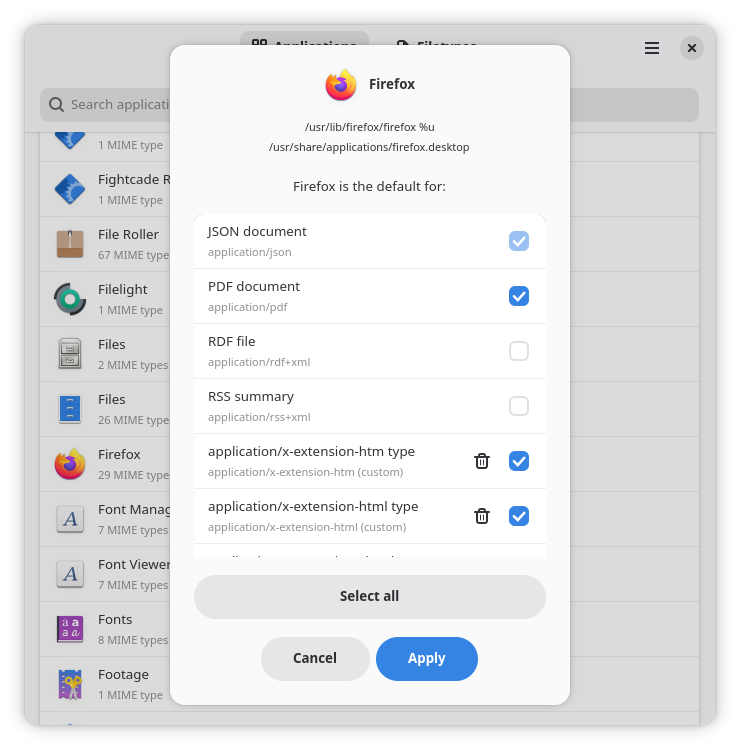
Browse all your installed applications to view their associated and custom-added MIME types.
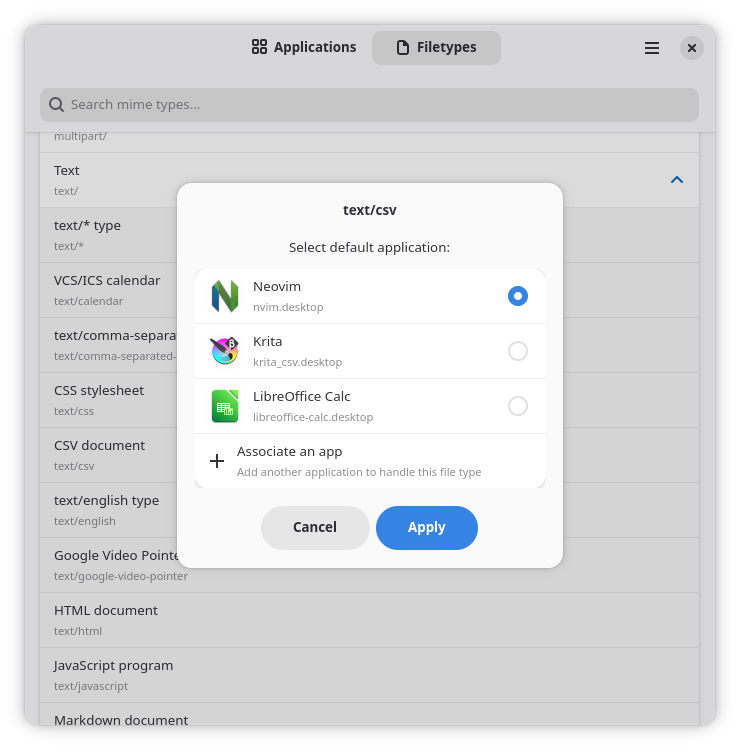
Add new associations for your existing applications, or select new apps to handle arbitrary associations.
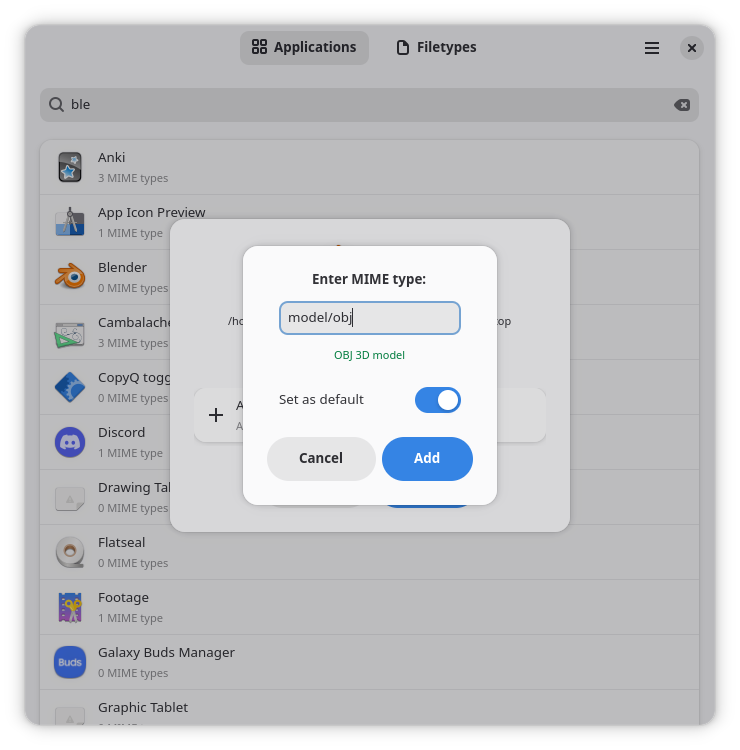
Allows you to search through your applications and file types by name.
Rating
Mobile Fit: 5Perfect - this app fits your phone screen just fine out of the box and works nicely with touch input!
Project status: released
This project has been developed so far, that its authors felt confident enough to create a release.
The project repository was created on 2026-05-01.
The last known commit happened on 2026-05-27.
Please note: This information is not updated continuously. This particular listing was last updated on 2026-06-14
Packaging
Get it on Flathub!
Install as flatpak: https://flathub.org/apps/io.github.arijanj.Mimic.flatpakref
Build and install your own flatpak: https://raw.githubusercontent.com/ArijanJ/Mimic/refs/heads/main/io.github.arijanj.Mimic.json
If you're lucky*, you can install this app by just hitting this button:
Install* You need to have an appstream:// handler, e.g., GNOME Software or KDE Discover, installed and the app needs to be available in a configured software repository, more details.
Find similar apps
By Category: settings
By FreeDesktop-(Additional-)Category: Settings Utility
Licensing and technical details
License: GPL-2.0-or-later Metadata: CC0-1.0
Frameworks: GTK4 libadwaita
Programming languages: Python
Build system: meson
AppStream Metadata URL: https://raw.githubusercontent.com/ArijanJ/Mimic/refs/heads/main/data/io.github.arijanj.Mimic.metainfo.xml.in